
Turn any document
into an audiobook.
Drop in a Word, EPUB, text or Markdown file, press Play, and listen. It's free, private and open source, and it runs on your own computer.

Drop in a Word, EPUB, text or Markdown file, press Play, and listen. It's free, private and open source, and it runs on your own computer.
Built for people who'd rather hear their reading than stare at it: writers checking a draft, students, commuters, or anyone with a long document.
Word, EPUB, plain text and Markdown. Chapters are found automatically from your headings.
Press Play and listening starts almost immediately, while the rest of the book is prepared in the background.
Use the free built-in voice, or add a Gemini key for expressive, human-like narration with 30 voices.
CloudReader remembers exactly where you stopped. Bookmark a moment and jump back with one tap.
A clean player on your computer, and on your phone over your home Wi-Fi. Add it to your home screen like an app.
Export any chapter as MP3, or the whole audiobook as a ZIP, and listen anywhere.
Drop a file onto the Library, or click Choose File. It becomes a book with chapters.
Narration starts within seconds and keeps going ahead of you while you listen.
Pause, resume, bookmark, change speed, or download it for later.

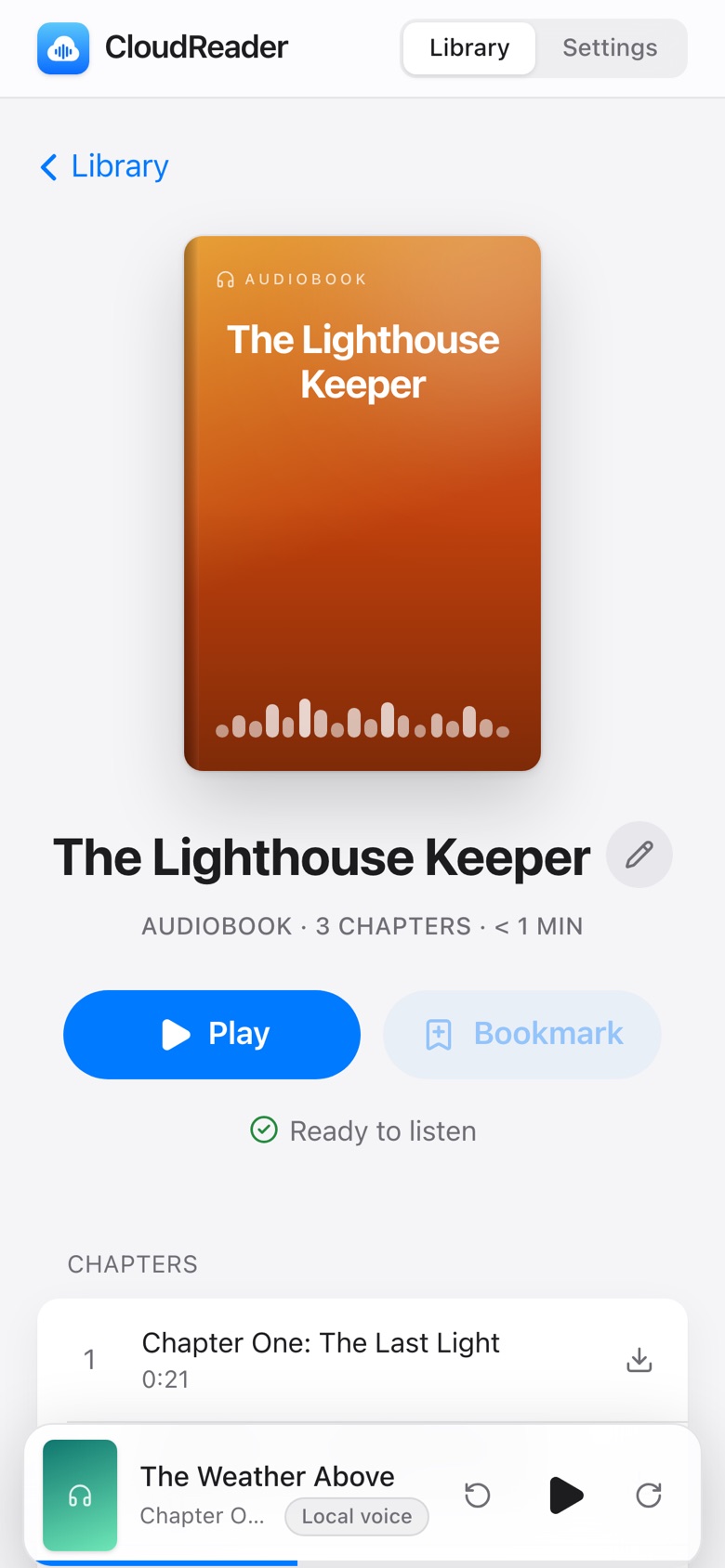
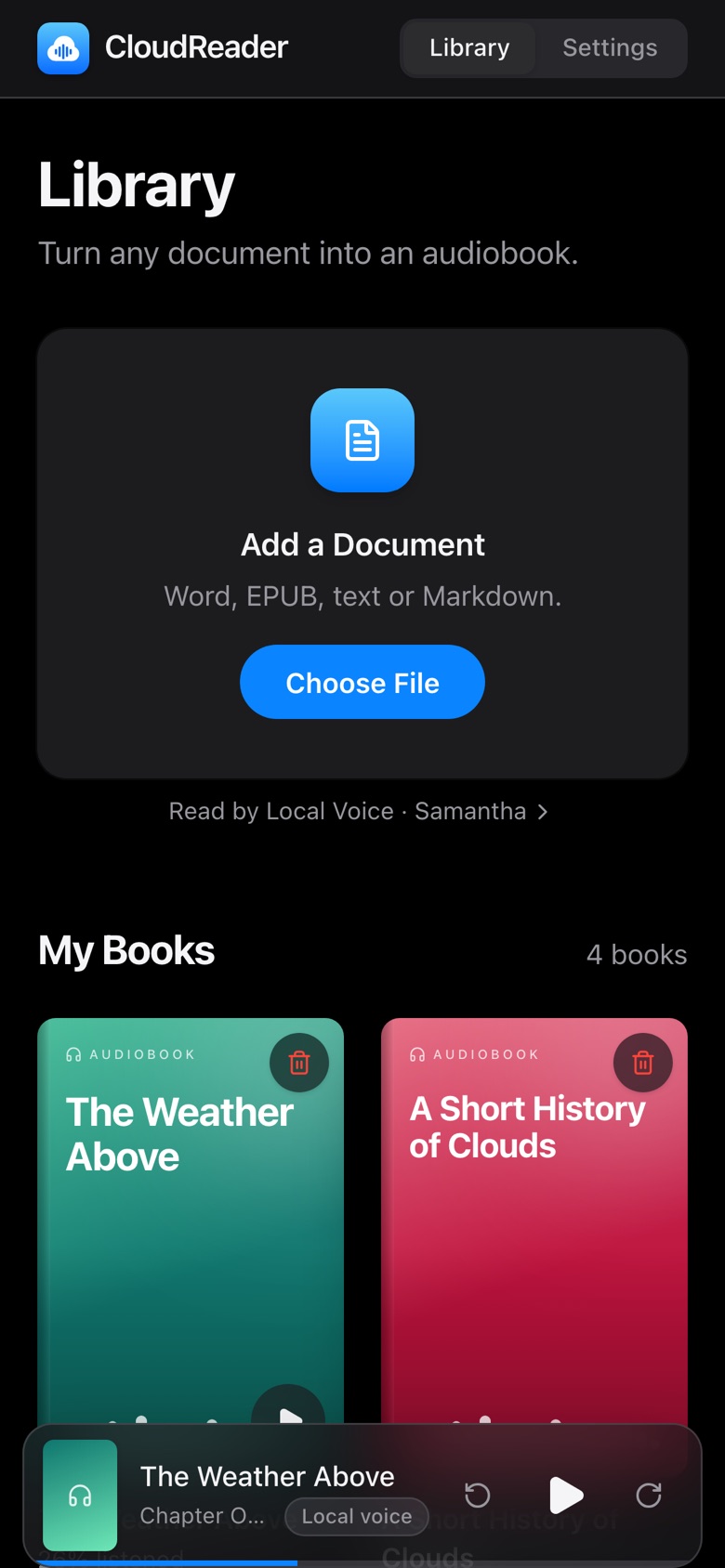
Switch between voices any time in Settings. No account is needed to get started.
Uses your Mac's built-in speech voices.
Needs a free Google Gemini API key. The free tier allows a few requests a day; whole books need billing, at roughly $0.50–0.80 per hour of audio.
Open Terminal and paste this. The first run sets everything up, then CloudReader opens in your browser.
$ git clone https://github.com/theshubhamgour/CloudReader.git
$ cd CloudReader
$ ./start.sh
# Optional: also open it on your phone (same Wi-Fi)
$ ./start.sh --phone
Needs macOS (recommended) or Linux with Python 3.11+, Node.js 20+ and FFmpeg.
On a Mac, the start script offers to install anything that's missing.
Yes. CloudReader is free and open source under the MIT license, and the Local Voice costs nothing. Only the optional Gemini AI voice is billed, by Google and to your own API key, if you go beyond its free tier.
Word (.docx), EPUB, plain text (.txt) and Markdown (.md), up to 50 MB. PDF isn't supported yet; export to DOCX or EPUB first.
Not with the Local Voice. Everything runs on your computer. The Gemini voice needs an internet connection to reach Google.
CloudReader is built for macOS and also runs on Linux. The Local Voice uses macOS speech; on other systems, use the Gemini voice. Windows isn't supported yet.
Yes. Start it with ./start.sh --phone and open the address it prints on a phone connected to the same Wi-Fi. You can add it to your home screen to open it like an app.
Not with the Local Voice. With the Gemini voice, only the passage being read aloud is sent to Google. On Gemini's free tier, Google may use that text to improve its products, so use a billed key for unpublished work.

I build practical, open-source tools and teach tech on YouTube.
CloudReader is free. If it helps you, your support keeps it, and projects like it, going.